Write it once.Get the finished video.
Your studio turns one script into narration, a picture for every line, a captioned video and shorts.
New video

- Script
- Voice
- Pictures
- Video
One script in. Everything else out.
This is a real project made in a Publisha studio. Play any part of it.
At White Sands in New Mexico, preserved in the dried bed of an ancient lake, there is a set of footprints that have no practical explanation whatsoever. A giant ground sloth walked across the mud and left deep, bowl-shaped tracks behind it. Rain filled them. And then a group of small human feet went from one to the next, splashing in each one, jumping between them. Nearby, other small feet hop along a line of...
The opening of the real script behind this video.
11 minutes, read aloud.


At White Sands in New Mexico, preserved in the dried bed of an ancient lake, there is a set of footprints that have no practical explanation whatsoever. A giant ground sloth walked across the mud and left deep, bowl-shaped tracks behind it. Rain filled them. And then a group of small human feet went from one to the next, splashing in each one, jumping between them. Nearby, other small feet hop along a line of...
The opening of the real script behind this video.
The same character in every scene. Any scene can move.
Give a character a sheet and a name, and the pictures keep them looking like themselves. Ask for motion in a prompt and that scene plays as a short clip in your video.
One sheet, every scene.
Add a character's picture and name once. Every prompt that names them keeps them the same.
Write Animate, get motion.
Start a prompt with Animate instead of Image and say how it moves. That scene comes back as a clip.
Picture or clip, scene by scene.
Switch any scene between its picture and its animation, then make the video again.
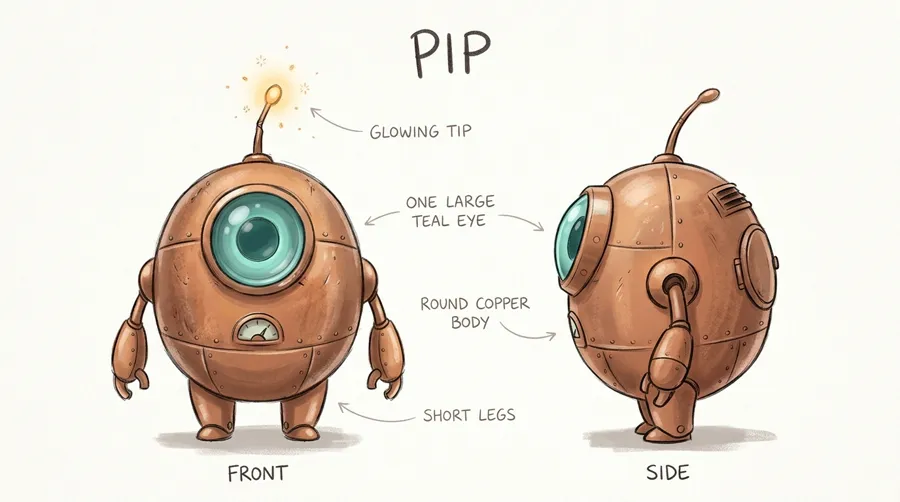 Pip's sheet, added once
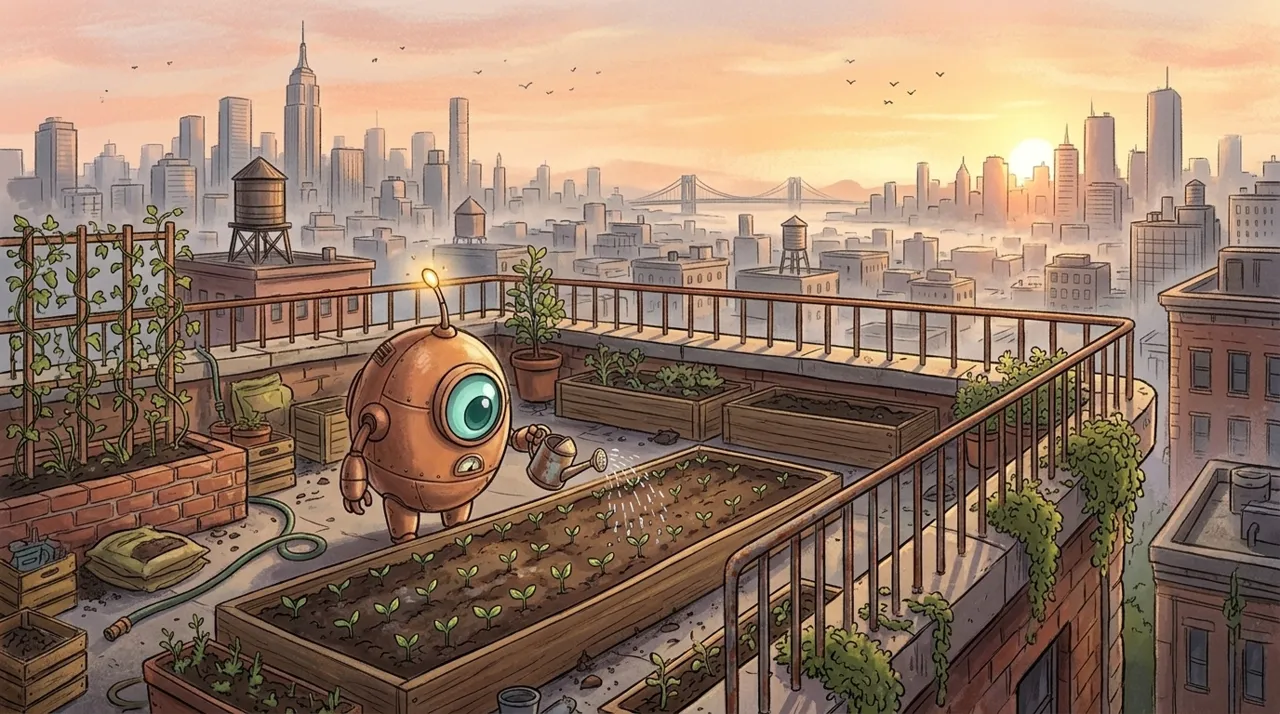 Picture
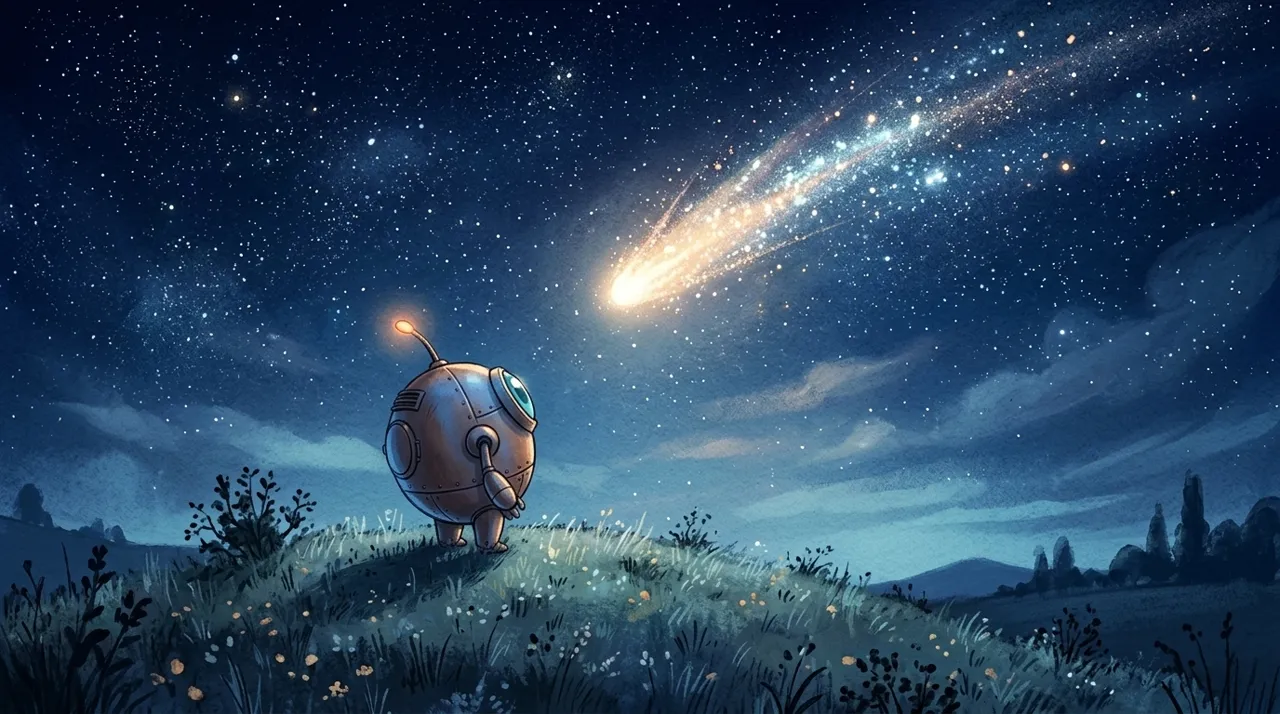 Picture
A 9:16 video and 4 shorts came with it.
The whole video again, upright for phones, and shorts cut from it, captioned and ready to post. Point at one to play it.
The whole video, 9:16
Short 1
Short 2
Short 3
Short 4
Made in your studio. Yours from start to finish.
Your studio connects in one step.
After you sign up, one short step connects your studio. It configures its engines, keeps itself up to date, and picks up where it left off if anything interrupts it.
Backed up to your Drive
Finished projects go to your own Google Drive, and come back to your studio when a project needs them.
Published to your channel
Title, description, tags and thumbnail go up with the video: public, unlisted, private or scheduled.
Monthly plans.
Cancel whenever you like and keep everything you have made.
Share Publisha. Earn 30% of what they pay.
The affiliate programme is for anyone with an audience of people making videos.
Apply in your dashboard- 1Sign in, open Affiliate in the sidebar, and pick a package to apply for.
- 2Once you're approved, you have your own code of 4 or 5 letters and digits, and a link to share.
- 3When someone subscribes through your link or with your code, you earn 30% of what they pay.
- 4What you've earned is paid into your bank account.
Questions
- A publisha account, a plan, and a Mac, Windows or Linux laptop or desktop with at least 4 GB of memory, a 4-core processor made from about 2009 on, and Google Chrome. 8 GB of memory or more is more comfortable. After you sign up, one short step connects your studio.
- It is what makes your videos: the voice, the pictures, the finished video and the shorts. It configures itself, stays up to date and picks up the work you start here.
- Yes. Every engine stays an option: add the ones you want to your studio, then pick which to use for each video.
- Yes. Add a character's picture and name once, and every prompt that names them keeps them the same. Start a prompt with Animate instead of Image, or animate any scene afterwards, and it plays as a short clip in the video. Both use your own Google account with Flow (a Google AI Pro or Ultra plan), or gemini.
- Finished videos are saved on your own system, in your studio's projects folder. You can back them up to your Google Drive and publish them to your YouTube channel.
- By the month, or for 6 months or a year at a lower price where a plan offers it. Pay through Paystack (card or bank transfer) or Bachs (card, transfer or crypto). Cancel whenever you like and keep everything you have made.
Something else you'd like to know? Ask in the support group.